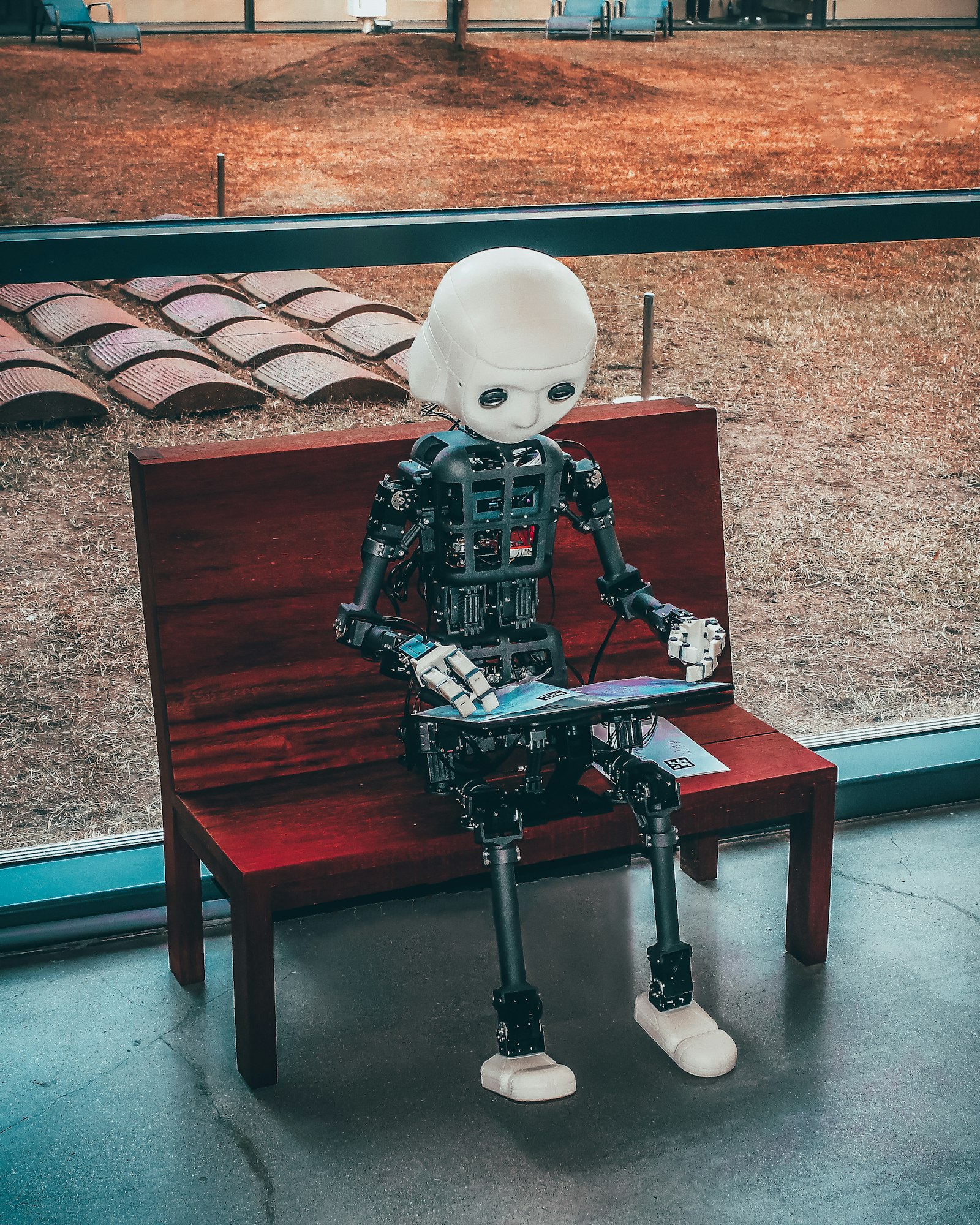
KI-Covers und Azure OpenAI im Publish-Flow
 Foto: Unsplash
Ein Buchcover ist das Erste, was eine Leserin sieht. Für Indie-Autoren ist das oft ein Problem: Entweder man bezahlt für ein professionelles Design, oder man nimmt ein generisches Bild und hofft, dass es gut genug ist. Beides ist unbefriedigend.
Wir haben uns entschieden, KI-Generierung direkt in den Publish-Prozess einzubauen. Nicht als Add-on, das man separat konfigurieren muss — sondern als integrierter Schritt, der beim Publizieren automatisch angeboten wird.
Der dreistufige Publish-Wizard
Bevor ich auf die KI-Covers eingehe, kurz der Kontext: Das Publizieren auf OutaStory läuft über einen dreistufigen Wizard.
Schritt 1 — Publish: Die Autorin gibt Titel, Slug, Beschreibung, Kategorie und Monetarisierungseinstellung ein. Hier entscheidet sie auch, ob Werbung in der Geschichte aktiviert sein soll.
Schritt 2 — Cover: Die Autorin wählt zwischen drei Optionen: KI-generiertes Cover, Farbfläche aus Farbpalette, oder eigenes Bild hochladen. Der KI-Pfad ist Schritt 2a — er öffnet einen Unterdialog.
Schritt 3 — Audio: Die Autorin wählt eine Stimme für die Audioversion und startet die Generierung — oder überspringt den Schritt vorerst.
Das Cover ist also ein eigener dedizierter Schritt, kein nachgelagertes Feld in einem langen Formular. Das hat sich in der Entwicklung als richtig herausgestellt, weil Cover-Generierung asynchron ist und manchmal mehrere Versuche braucht.
Wie die KI-Cover-Generierung technisch funktioniert
Das System verwendet Azure OpenAI mit dem Modell gpt-image-1.5. Das ist Microsofts managed Zugang zu OpenAIs Bildgenerierungsmodell — mit den Vorteilen von Azure: Datenschutz-Compliance, regionale Verfügbarkeit und Integration mit dem Rest der Azure-Infrastruktur.
Der Ablauf ist folgender:
- Die Autorin gibt optional einen Beschreibungs-Prompt ein oder lässt ihn leer. Wenn sie ihn leer lässt, generiert das System automatisch einen Prompt aus dem Titel und der Beschreibung der Geschichte.
- Das System schickt eine Anfrage an den
coverprocessorAzure Service Bus Queue. - Die
OutaStory.ImageProcessorAzure Function liest die Queue-Nachricht, baut den Prompt zusammen und ruftgpt-image-1.5auf. - Pro Runde werden drei Kandidaten generiert — nicht einer. Die Autorin bekommt drei Optionen zur Auswahl.
- Wenn ihr keiner gefällt, kann sie eine neue Runde starten. Maximal drei Runden pro Draft — also bis zu neun Kandidaten.
Nach spätestens drei Runden muss eine Entscheidung getroffen werden, oder die Autorin wechselt zu Farbfläche oder eigenem Upload.
Warum drei Kandidaten pro Runde?
Das war eine Erkenntnis aus frühen Tests. Einen einzigen Vorschlag zu zeigen und zu fragen "gefällt dir das?" funktioniert schlechter als drei Optionen. Mit drei Kandidaten kann die Autorin vergleichen und wählen — und wenn nichts davon passt, bekommt sie ein besseres Gefühl dafür, was sie nicht will, was die nächste Runde zielgerichteter macht.
Das Drei-mal-drei-System hat außerdem einen wirtschaftlichen Hintergrund: KI-Bildgenerierung kostet Geld. Neun Bilder pro Draft sind ein vertretbarer Aufwand. Beliebig viele wären es nicht.
Der Prompt-Aufbau
Der Prompt für gpt-image-1.5 ist kein roher Freitext. Wir bauen ihn aus mehreren Komponenten zusammen:
- Einem festen System-Prefix, der den Bildstil vorgibt (Cover-Format, hell/dunkel je nach Genre, kein Text im Bild)
- Dem Genres der Geschichte als stilistisches Signal
- Dem optionalen Nutzer-Prompt oder dem automatisch generierten Beschreibungstext
- Einer Anweisung, keinen lesbaren Text in das Bild einzufügen — damit der Titel separat darübergelegt werden kann
Der letzte Punkt hat uns etwas Zeit gekostet. Frühe Versionen haben manchmal Text in die Bilder gerendert — oft falsch geschrieben, immer unschön. Das System-Prefix, der explizit "no text, no letters, no words" anweist, hat das Problem gelöst.
 Foto: Unsplash
Farbflächen als Alternative
Nicht jede Autorin will ein KI-generiertes Cover. Deshalb gibt es die Farbflächen-Option: Eine Auswahl von Farbpaletten, die zu verschiedenen Genre-Stimmungen passen. Dunkelviolett für Dark Fantasy, Orangerot für Abenteuer, Hellblau für Romantasy.
Die Farbfläche ist kein Notbehelf, sondern ein bewusstes Design-Statement: Ein minimalistisches Cover mit dem Titel in großer Schrift kann genauso einprägsam sein wie ein KI-Bild — manchmal mehr.
Das Upload-Feld ist die dritte Option für Autoren, die bereits ein professionelles Cover haben oder es selbst erstellen möchten.
Feature Flag: AiCoverGeneration
Die KI-Cover-Generierung ist hinter einem Feature Flag versteckt: AiCoverGeneration. Das ermöglicht uns, die Funktion auf bestimmten Instanzen zu deaktivieren — zum Beispiel, wenn Azure-Kontingente ausgeschöpft sind oder wenn wir eine neue Version des Prompt-Systems testen.
Feature Flags in OutaStory werden über featureflags.json pro Host konfiguriert. Die IFeatureFlags-DI-Service liest die Konfiguration und gibt einen einfachen bool zurück. Keine komplexe Flag-Infrastruktur, keine externe Abhängigkeit — nur eine JSON-Datei, die bei Deployment ausgetauscht werden kann.
Nächste Woche kommt das Audio-System dran, das ebenfalls asynchron über Service Bus läuft und eine eigene Komplexität mitbringt.
Was kommt als Nächstes?
Nächste Woche: Wie jede Geschichte automatisch eine Audioversion bekommt — mit Azure Speech HD Voices, validiertem SSML und Kapitel-für-Kapitel-MP3-Generierung.